L3D Accessories
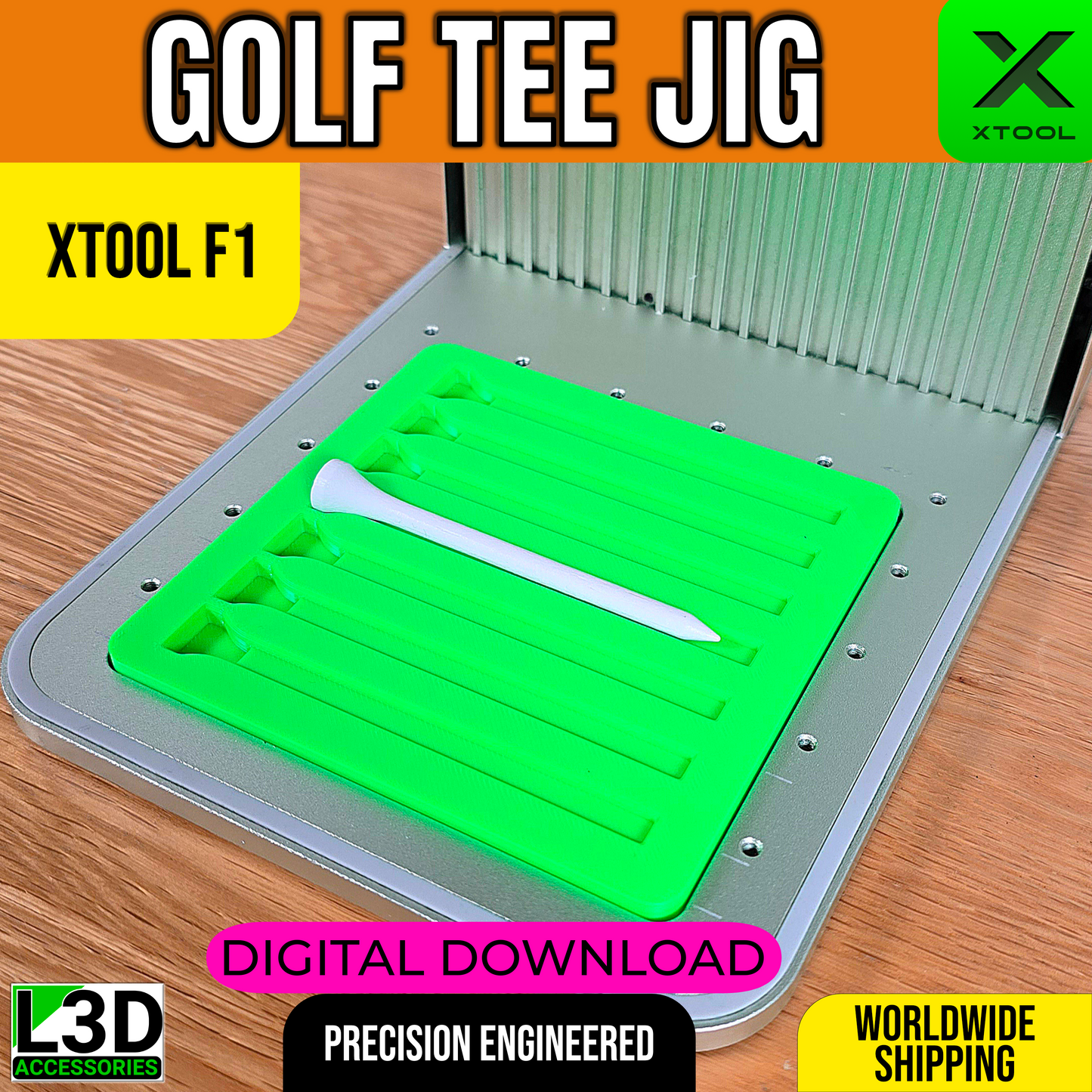
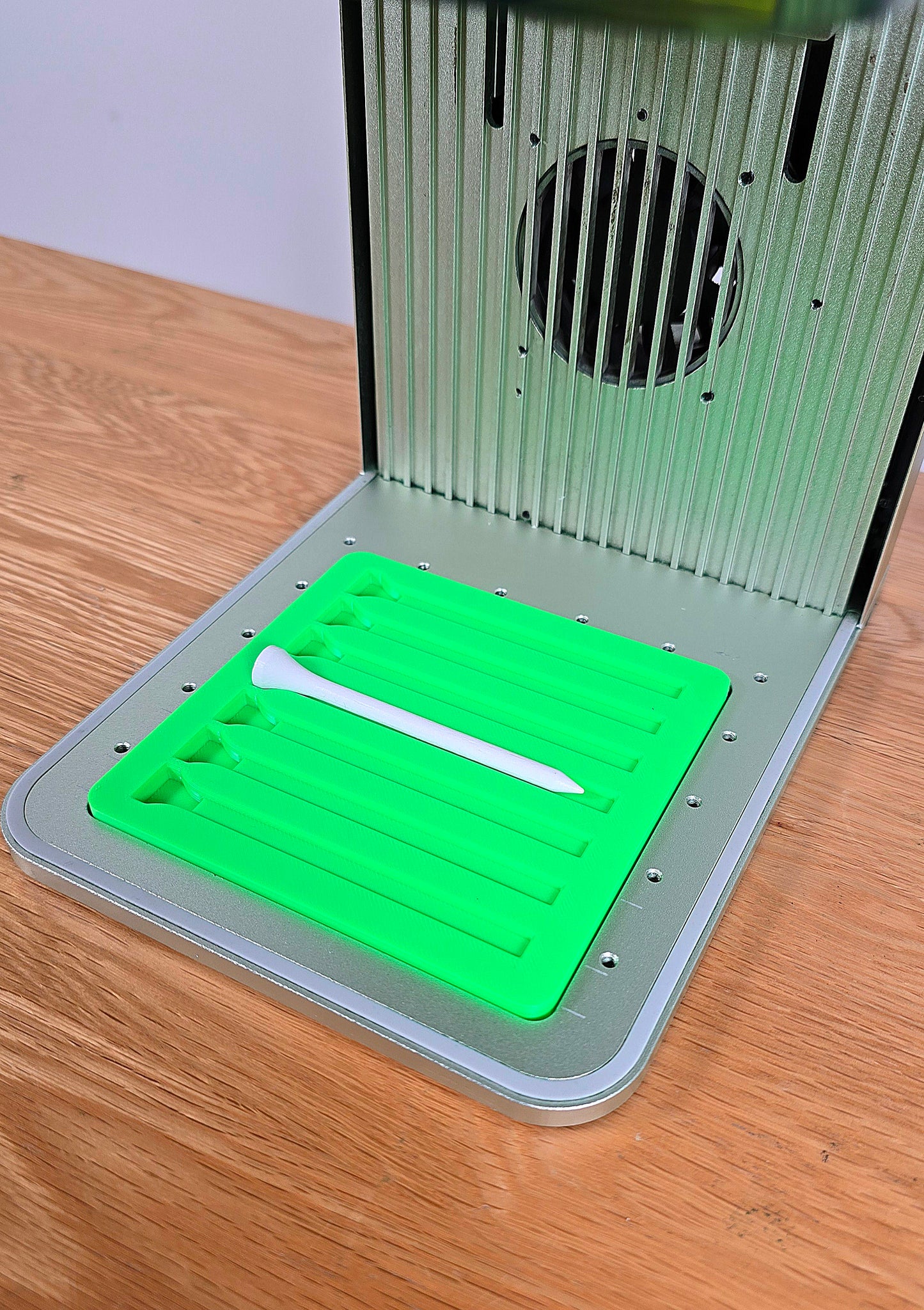
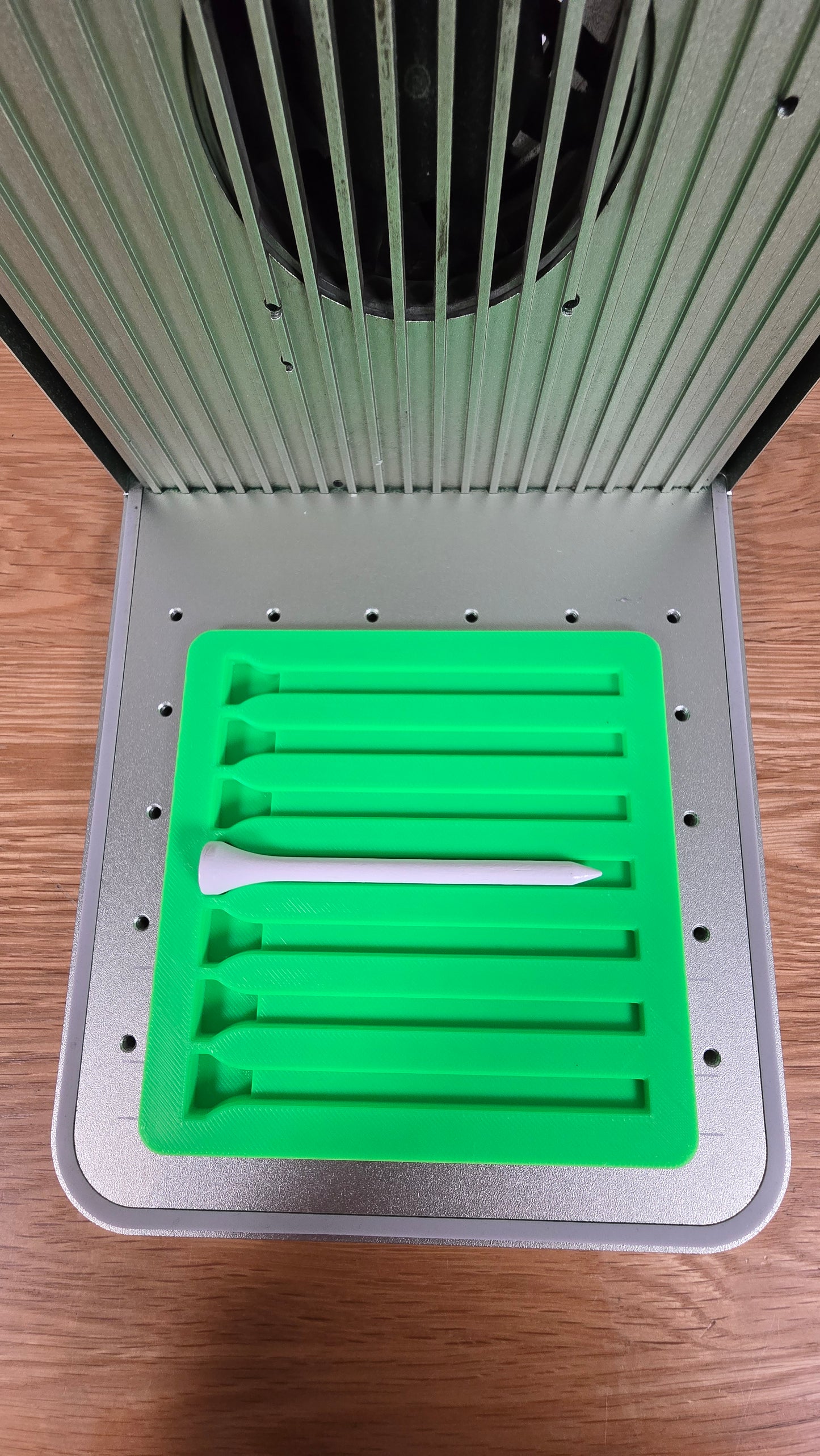
Golf Tee Jig STL for xTool F1, F1 Lite & F2
Sell what you make, not the jig. Print this jig and sell anything you make with it. The printed jig itself and this file may never be sold, shared or given away, original or modified.
⬇️ Digital download · Delivered instantly by email · Nothing is posted
🖨️ Printer needed: a print bed of at least 140 x 140 mm (5.5 x 5.5 in)
Couldn't load pickup availability
Digital file delivered by email straight after checkout
 Designed and printed by Chris · my story
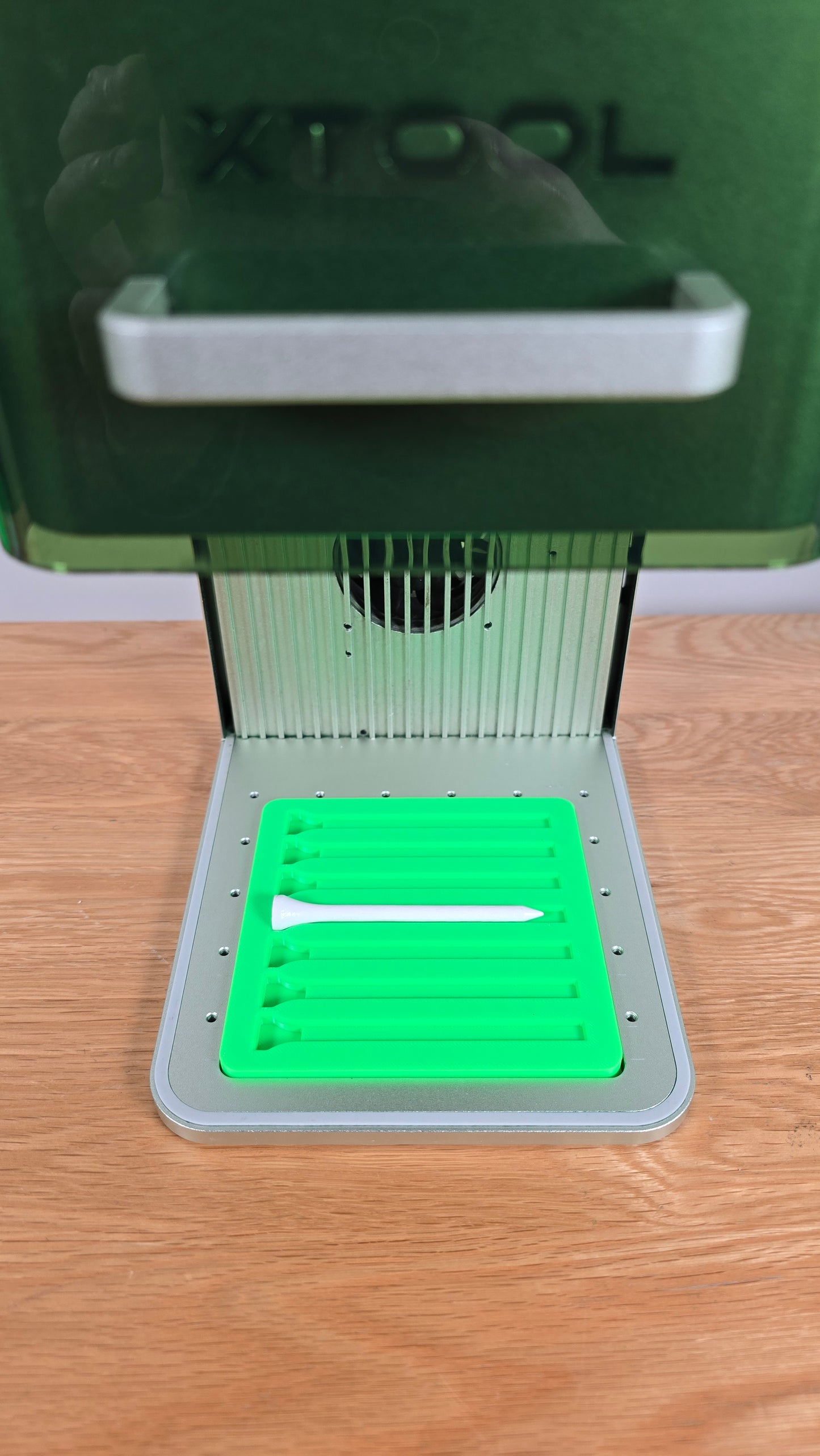
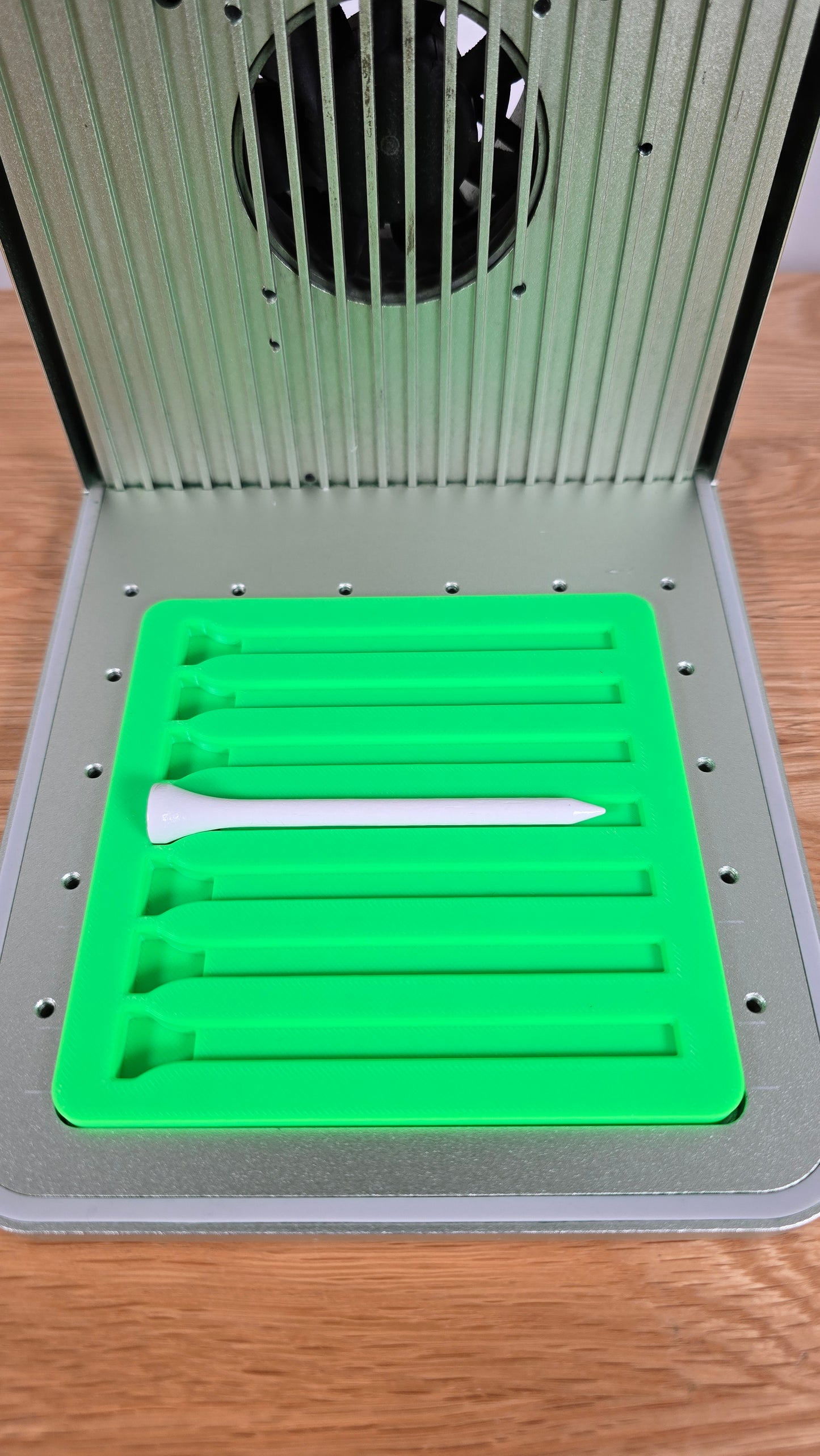
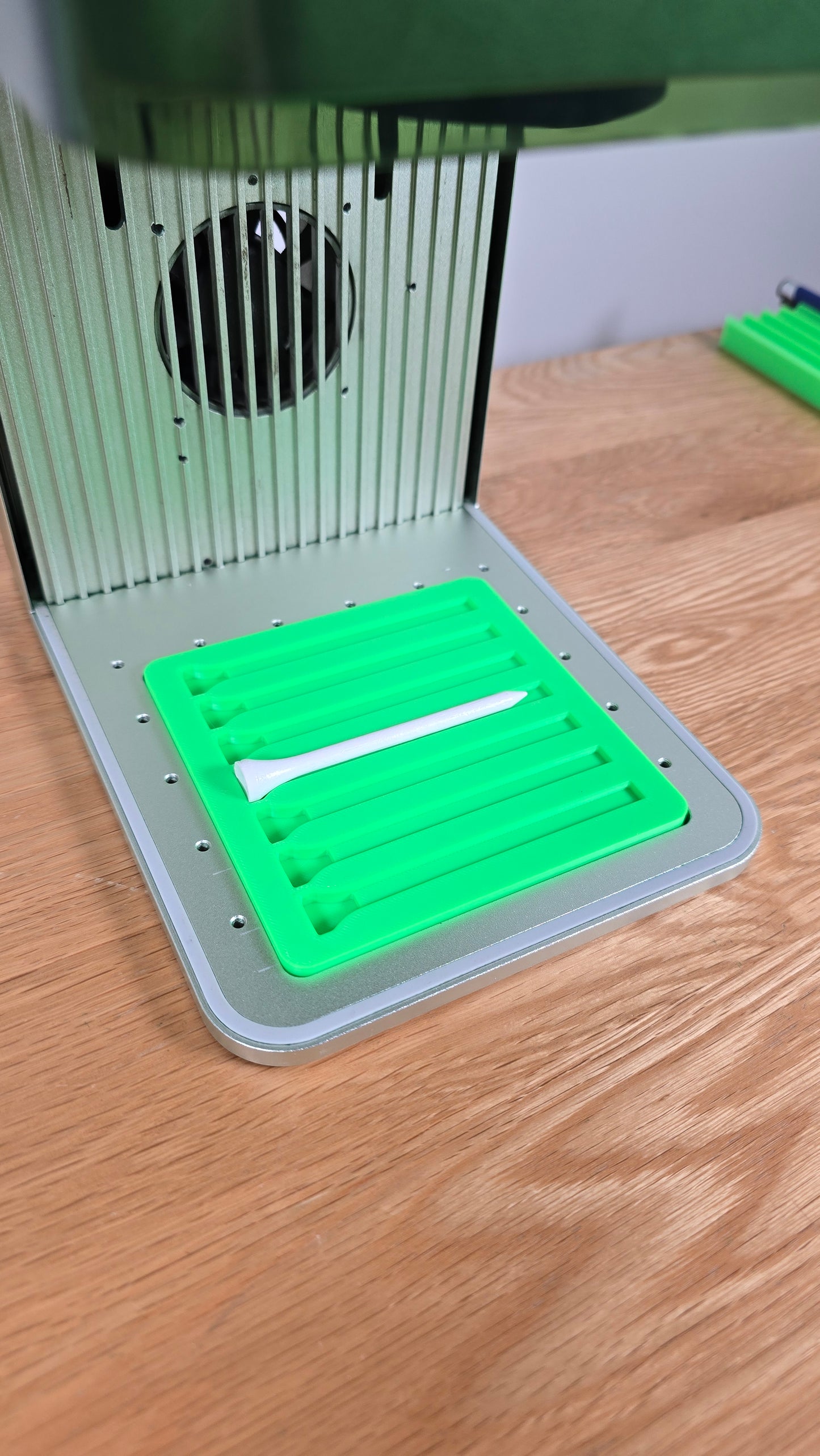
Streamline your golf tee engraving process with this digital download of the Golf Tee Jig STL file, specially designed for both the xTool F1 and F1 Lite laser engravers. This file is ideal for engraving multiple golf tees in one pass with consistent alignment and spacing, helping you work efficiently while achieving professional-quality results.
Please note that this is a digital product. No physical product will be shipped. Once purchased, you will receive a link to download the file directly.
Key Features:
✅ File Format – Delivered as a downloadable STL file, compatible with most 3D printers.
✅ Holds Multiple Tees – Designed to secure multiple golf tees at once for batch engraving.
✅ Repeatable Accuracy – Maintains alignment for consistent results across multiple items.
✅ Great for Gifts or Sales – Perfect for creating personalized golf tees for events, branding, or sports lovers.
📦 What’s Included?
✔ 1 x Digital Download – Golf Tee Jig STL File for xTool F1 & F1 Lite
📌 Important Notes:
-
This is a digital download – No physical product will be shipped.
-
Other Accessories Not Included – Items shown in images are for demonstration purposes only.
Licence (please read): This STL file is for personal use only. Print the jig for your own workshop and sell anything you make with it. What is not allowed: selling or giving away the printed jig itself (original or modified), and sharing, reselling or redistributing this file or any modified version of it.
Instructions for Use:
-
Download the STL file after purchase.
-
3D print the jig using your preferred printer settings.
-
Use the printed jig with your xTool F1 or F1 Lite to engrave golf tees with precision and speed.
Complete your kit
Picked for your machine. Open each one and check its FITS badge before you buy.