xTool F1 Ultra, F2 Ultra & F2 Ultra UV
Everything L3D makes for your machine.
Precision jigs, accessories, digital downloads, laser settings and tutorials. All in one place.
Machine Compatibility Notice Products on this page are designed specifically for the xTool F1 Ultra, F2 Ultra, and F2 Ultra UV. They all share the same mounting hole pattern. These jigs are NOT compatible with the standard xTool F1, F1 Lite, or F2.
Engraving Jigs
Engraving Jigs for the xTool F1 Ultra, F2 Ultra & F2 Ultra UV
Precision-fitted 3D-printed jigs designed to hold your items in the laser's focal plane. Every jig on this page fits the xTool F1 Ultra, F2 Ultra, and F2 Ultra UV. They all share the same mounting hole pattern.
25 jigs available
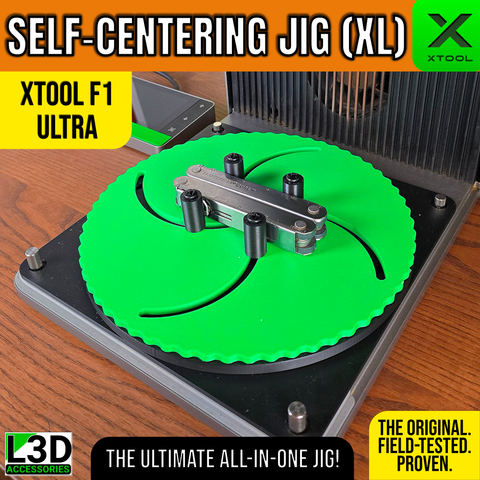
XL Self-Centering Jig
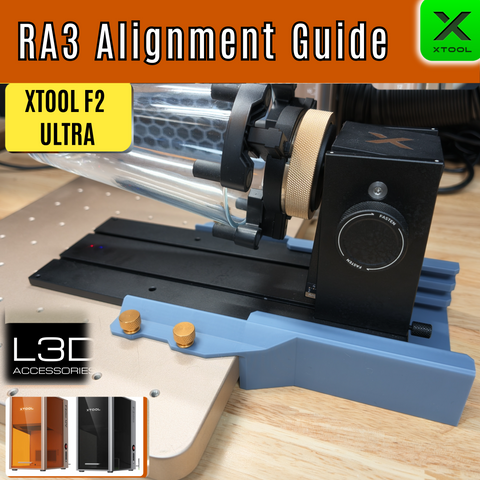
RA3 Alignment Guide for xTool F2 Ultra & F2 Ultra UV
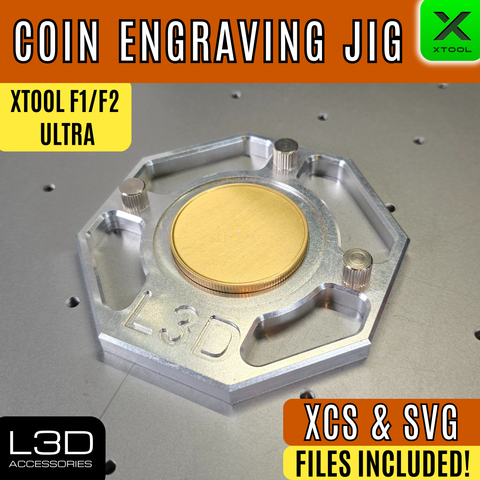
Coin Engraving Jig for xTool F1 Ultra, F2 Ultra & F2 Ultra UV
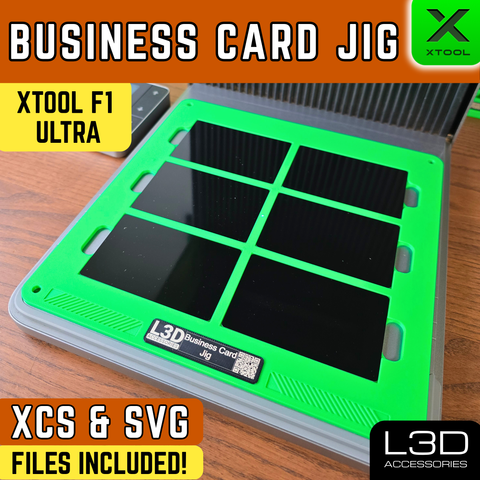
Metal Business Card Engraving Jig for xTool F1 Ultra, F2 Ultra & F2 Ultra UV
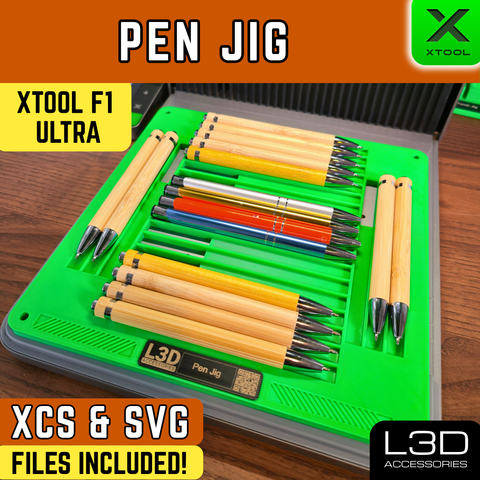
Pen Engraving Jig for xTool F1 Ultra, F2 Ultra & F2 Ultra UV
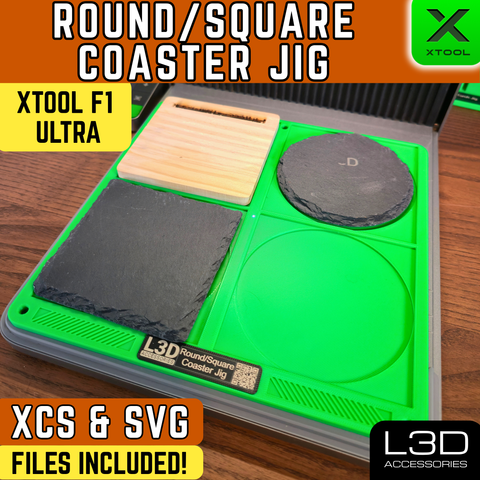
4-Inch Coaster Engraving Jig for xTool F1 Ultra, F2 Ultra & F2 Ultra UV
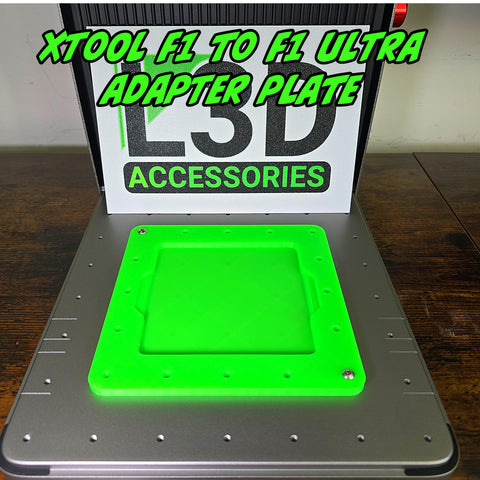
F1 & F2 to Ultra Adapter Jig
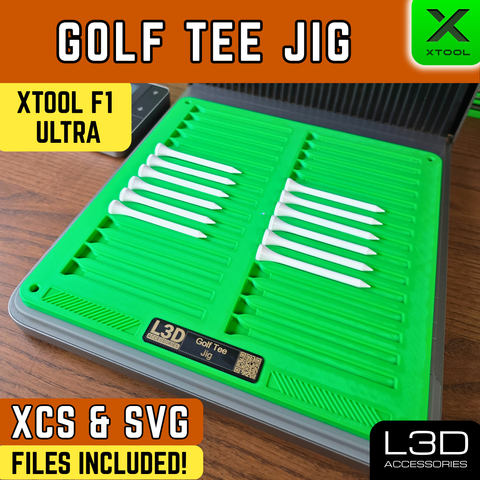
Golf Tee Engraving Jig for xTool F1 Ultra, F2 Ultra & F2 Ultra UV
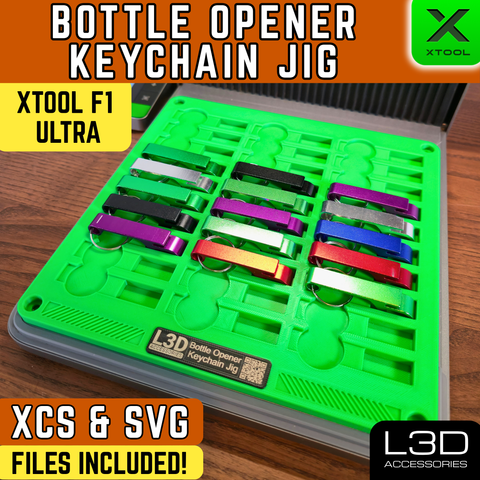
Aluminium Claw Bottle Opener Keychain Jig for xTool F1 Ultra, F2 Ultra & F2 Ultra UV
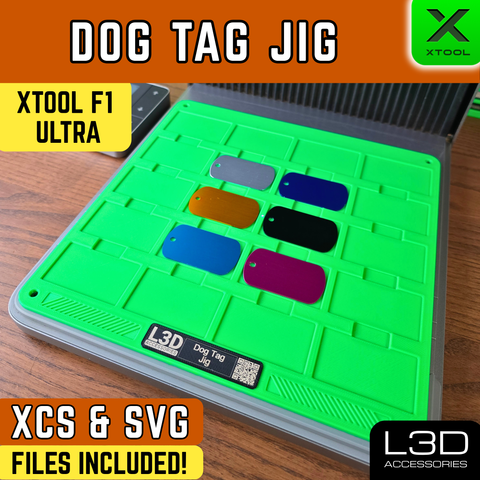
Dog Tag Engraving Jig for xTool F1 Ultra, F2 Ultra & F2 Ultra UV
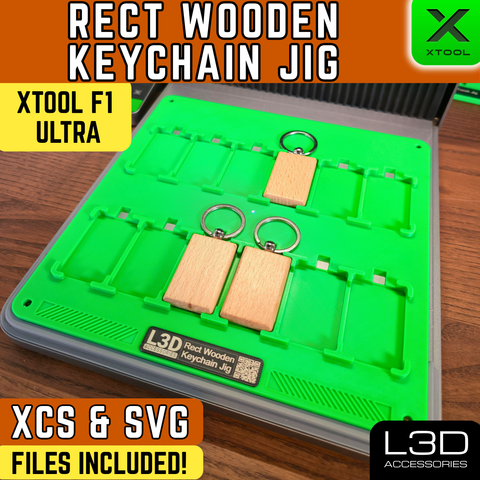
Rectangular Wooden Keychain Jig for xTool F1 Ultra, F2 Ultra & F2 Ultra UV
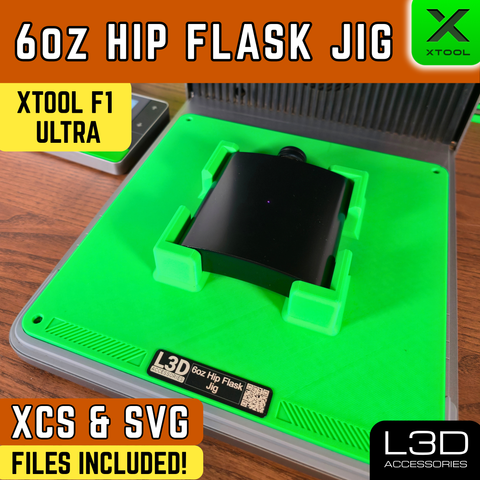
6oz Hip Flask Engraving Jig for xTool F1 Ultra, F2 Ultra & F2 Ultra UV
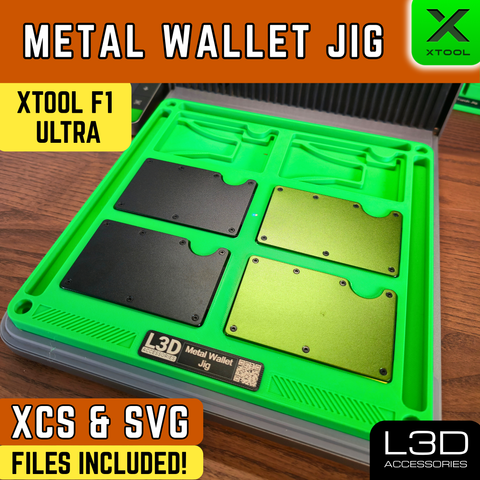
Metal RFID Wallet Engraving Jig for xTool F1 Ultra, F2 Ultra & F2 Ultra UV
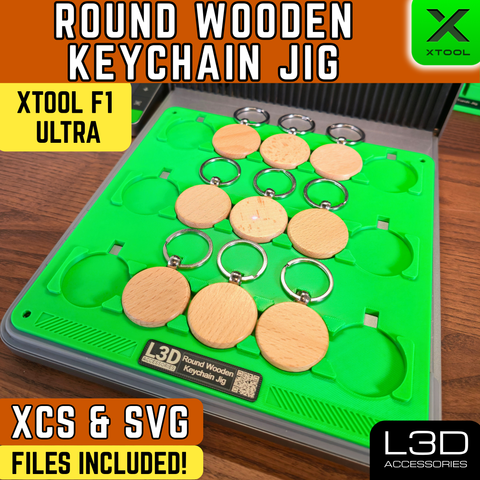
Round Wooden Keychain Jig for xTool F1 Ultra, F2 Ultra & F2 Ultra UV
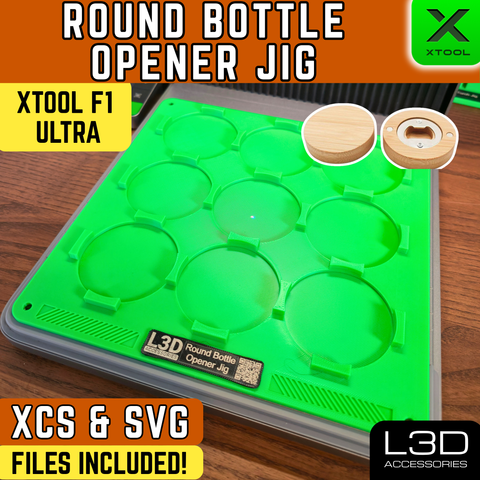
Round Bamboo Bottle Opener Jig for xTool F1 Ultra, F2 Ultra & F2 Ultra UV
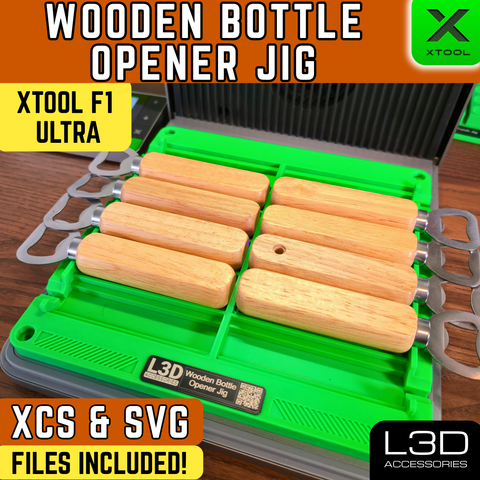
Wooden Bottle Opener Engraving Jig for xTool F1 Ultra, F2 Ultra & F2 Ultra UV
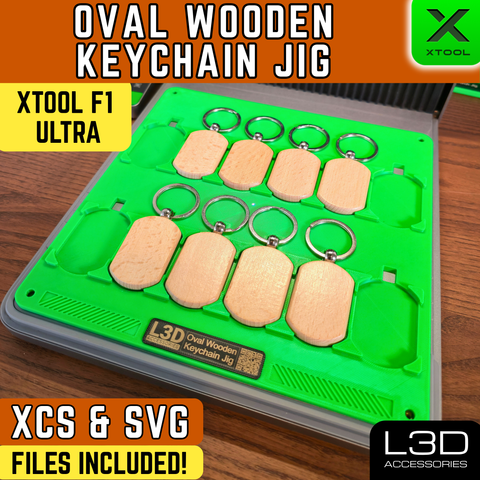
Oval Wooden Keychain Engraving Jig for xTool F1 Ultra, F2 Ultra & F2 Ultra UV
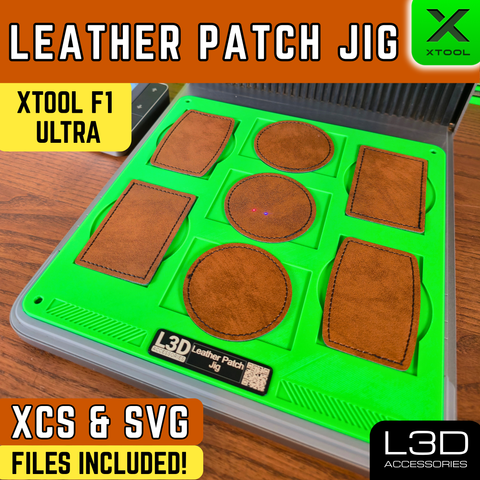
Leather Patch Engraving Jig for xTool F1 Ultra, F2 Ultra & F2 Ultra UV
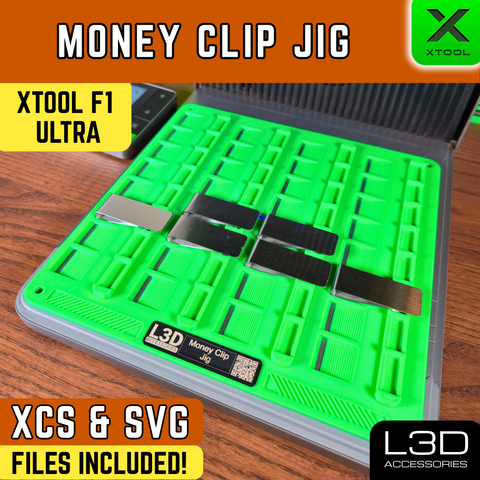
Money Clip Engraving Jig for xTool F1 Ultra, F2 Ultra & F2 Ultra UV
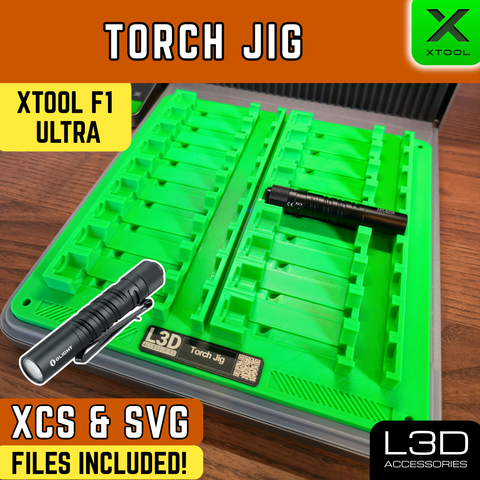
Torch Engraving Jig for xTool F1 Ultra, F2 Ultra & F2 Ultra UV
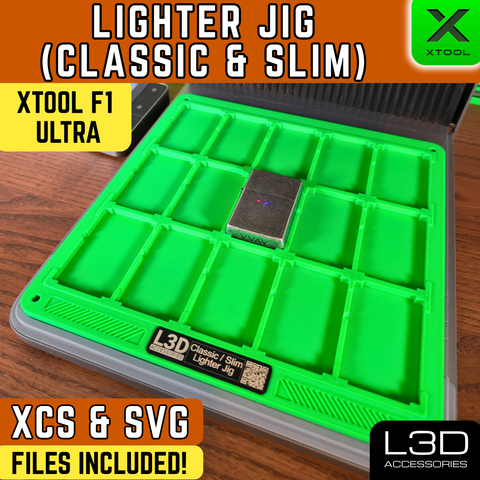
Lighter Engraving Jig for xTool F1 Ultra, F2 Ultra & F2 Ultra UV
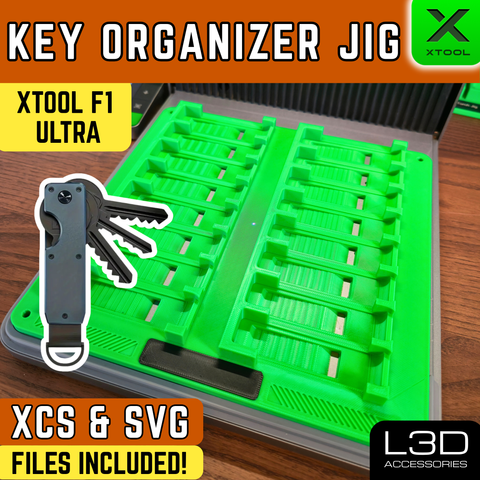
Key Organizer Engraving Jig for xTool F1 Ultra, F2 Ultra & F2 Ultra UV
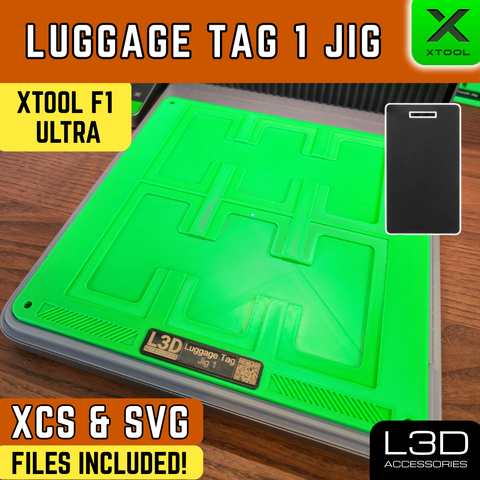
Luggage Tag Engraving Jig 1 for xTool F1 Ultra, F2 Ultra & F2 Ultra UV
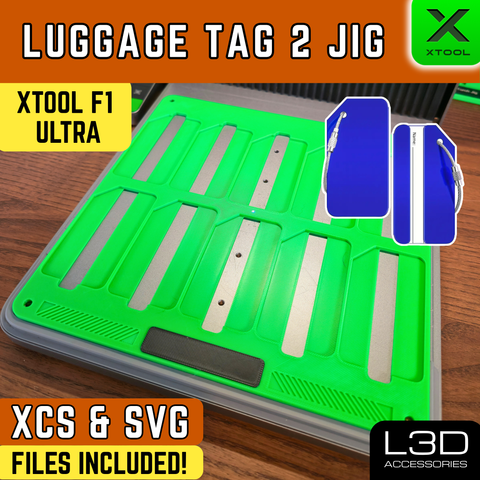
Luggage Tag Engraving Jig for xTool F1 Ultra, F2 Ultra & F2 Ultra UV
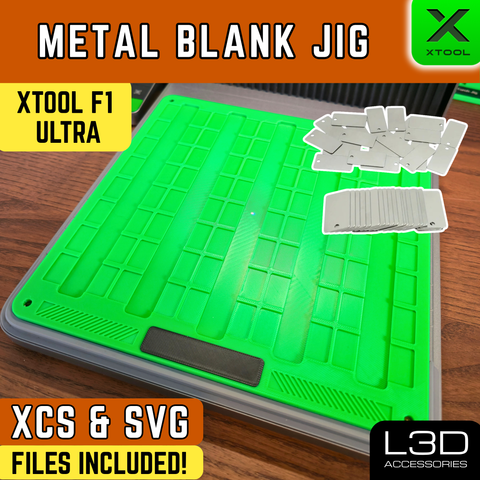
Metal Tag Engraving Jig for xTool F1 Ultra, F2 Ultra & F2 Ultra UV
Accessories
Accessories for the xTool F1 Ultra, F2 Ultra & F2 Ultra UV
Upgrade your setup with accessories built specifically for the F1 Ultra, F2 Ultra, and F2 Ultra UV. Alignment guides, filter upgrades, screen stands, and more.
6 accessories available
XL Self-Centering Jig
RA3 Alignment Guide for xTool F2 Ultra & F2 Ultra UV
Coin Engraving Jig for xTool F1 Ultra, F2 Ultra & F2 Ultra UV
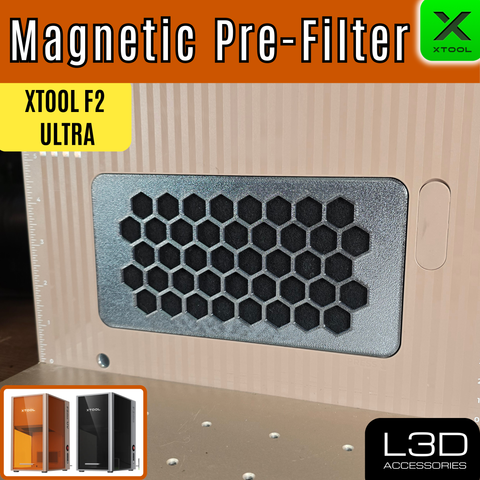
Magnetic Pre-Filter for xTool F2 Ultra & F2 Ultra UV
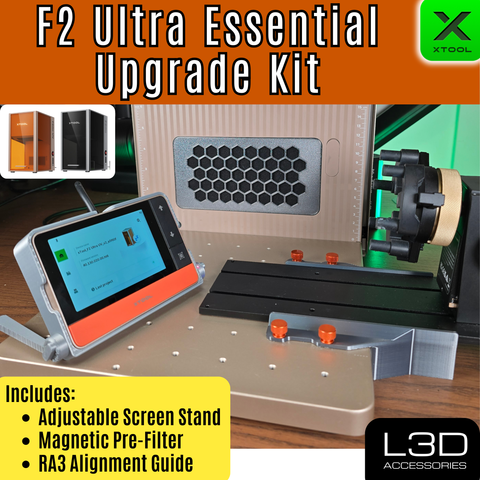
F2 Ultra Essential Upgrade Kit (Pre-Filter, Adjustable Screen Stand & RA3 Alignment Guide)
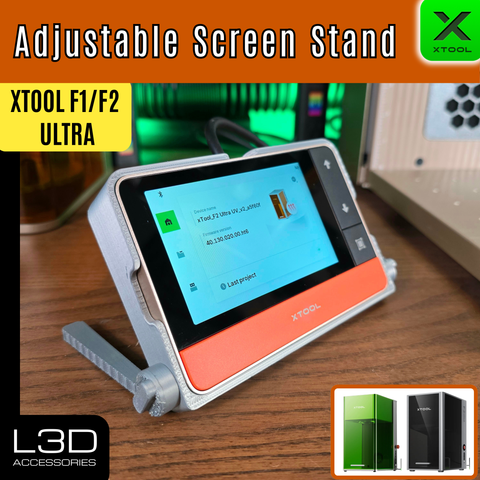
Adjustable Screen Stand for xTool Touchscreen (F1 Ultra, F2 Ultra, F2)
Digital Downloads
Print Your Own: STL Files
Have a 3D printer? Download and print your own precision jigs at home. Instant delivery, same design as the physical version, at a fraction of the price.
50 files available
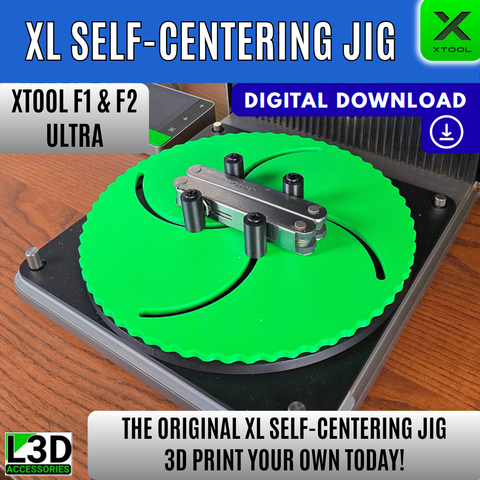
XL Self-Centering Jig
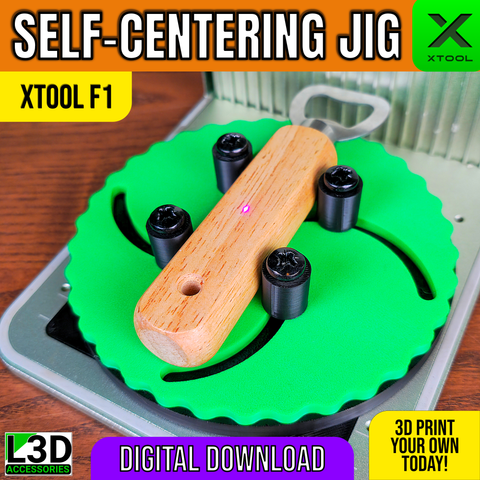
Self-Centering Jig STL for xTool F1, F1 Lite & F2
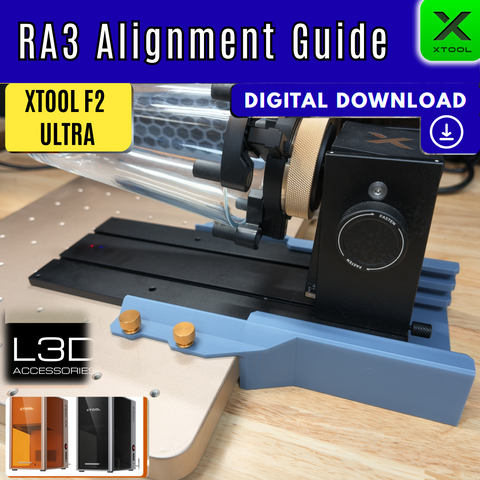
RA3 Alignment Guide STL File – xTool F2 Ultra & F2 Ultra UV (Digital Download)
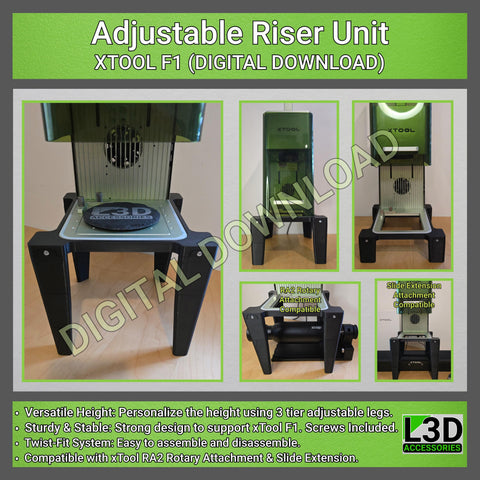
Adjustable Riser Stand STL for xTool F1, F1 Lite & F2
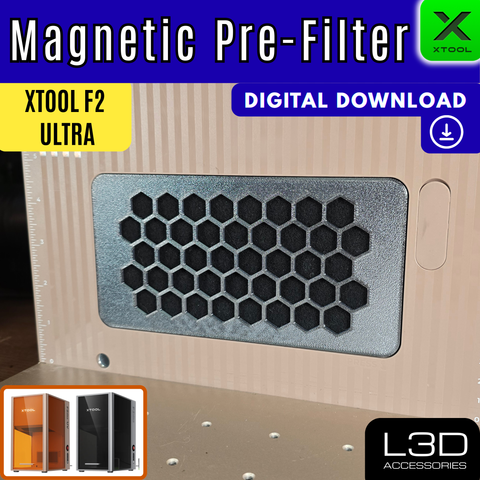
Magnetic Pre-Filter Housing STL – xTool F2 Ultra & F2 Ultra UV (Digital Download)
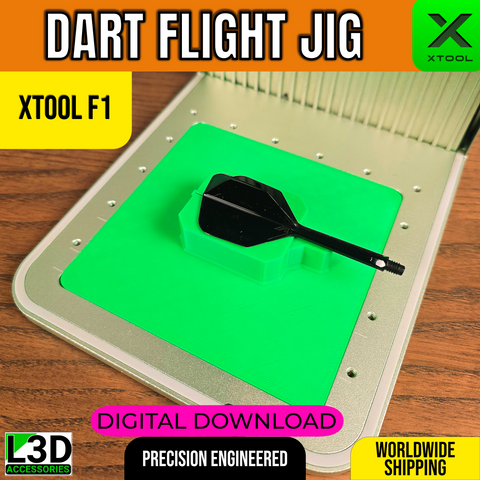
Dart Flight Jig STL for xTool F1, F1 Lite & F2
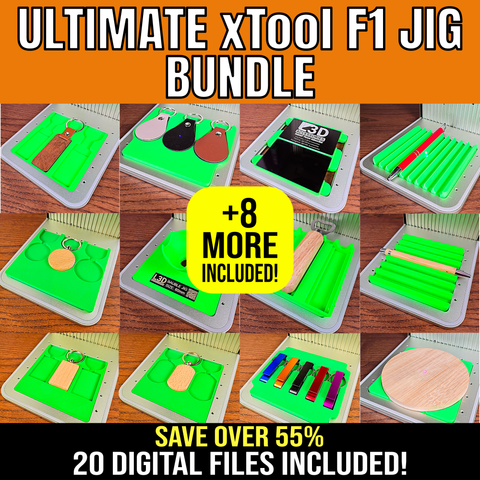
Ultimate 20 Jig Bundle STL for xTool F1, F1 Lite & F2
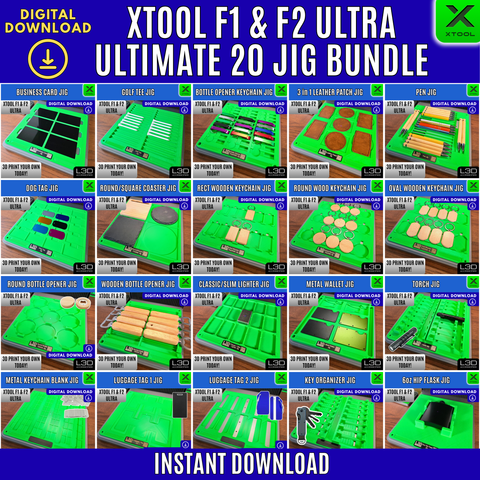
Ultimate 20 Jig Bundle STL for xTool F1 Ultra, F2 Ultra & F2 Ultra UV
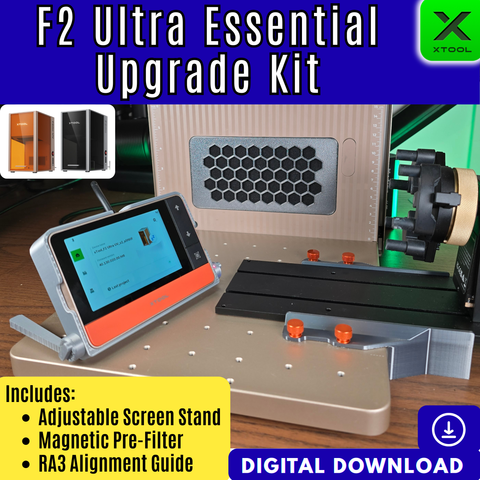
F2 Ultra Essential Upgrade Kit STL Bundle – Digital Download (Pre-Filter, Screen Stand & RA3 Guide)
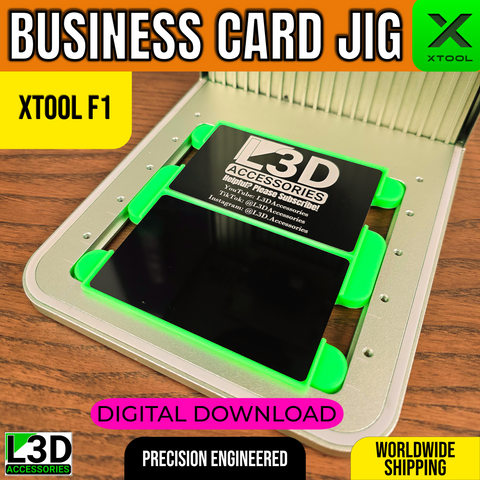
Metal Business Card Jig STL for xTool F1, F1 Lite & F2
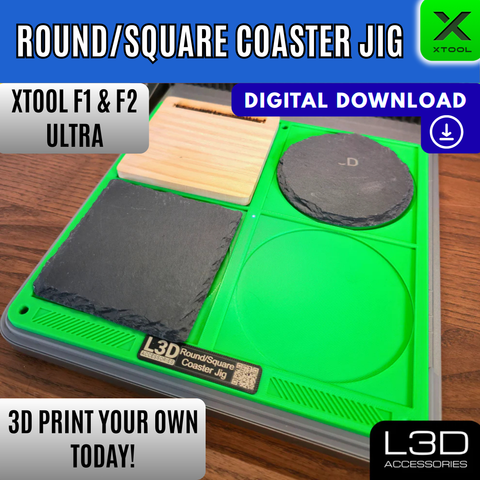
4-Inch Coaster Jig STL for xTool F1 Ultra, F2 Ultra & F2 Ultra UV
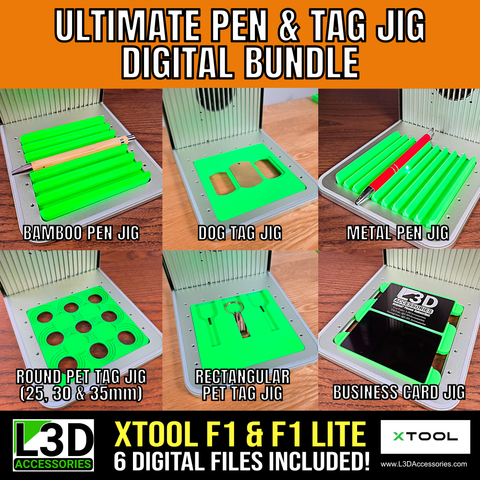
Pen & Tag Jig Bundle STL for xTool F1, F1 Lite & F2
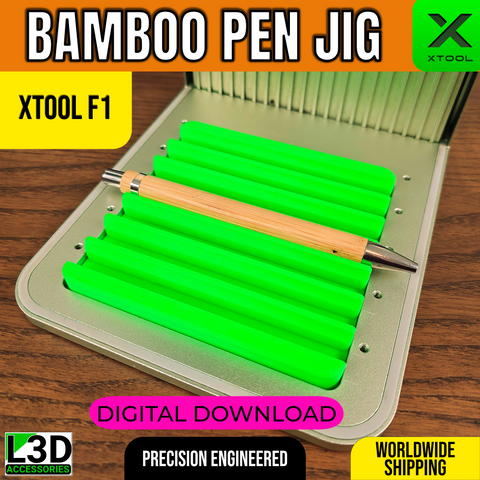
Bamboo Pen Jig STL for xTool F1, F1 Lite & F2
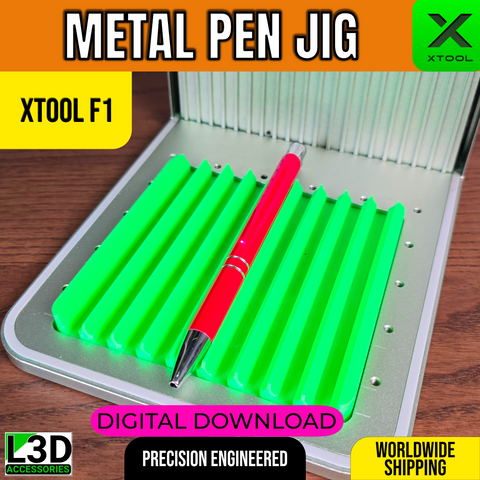
Metal Pen Engraving Jig STL for xTool F1, F1 Lite & F2
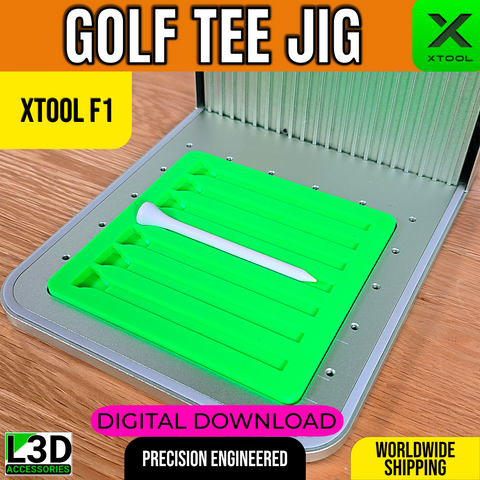
Golf Tee Jig STL for xTool F1, F1 Lite & F2
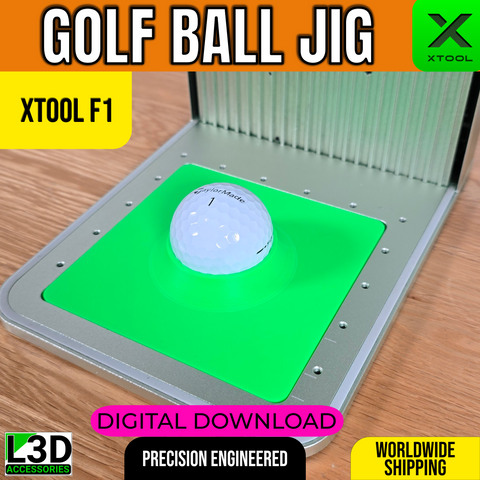
Golf Ball Jig STL for xTool F1, F1 Lite & F2
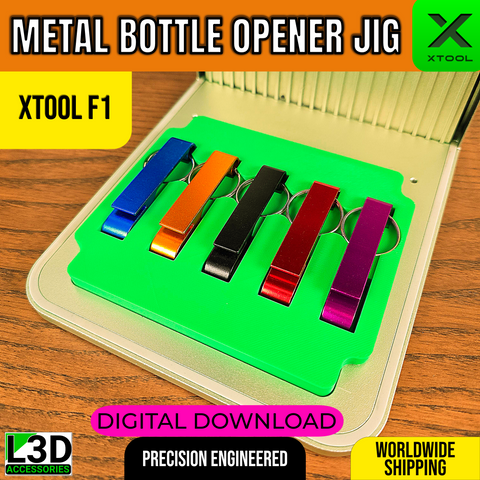
Metal Bottle Opener Keyring Jig STL for xTool F1, F1 Lite & F2
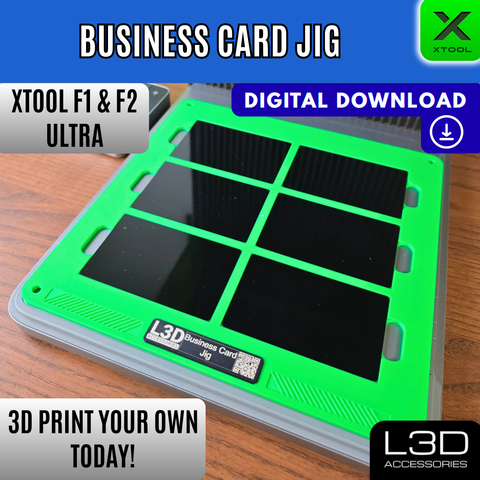
6-Slot Metal Business Card Jig STL for xTool F1 Ultra, F2 Ultra & F2 Ultra UV
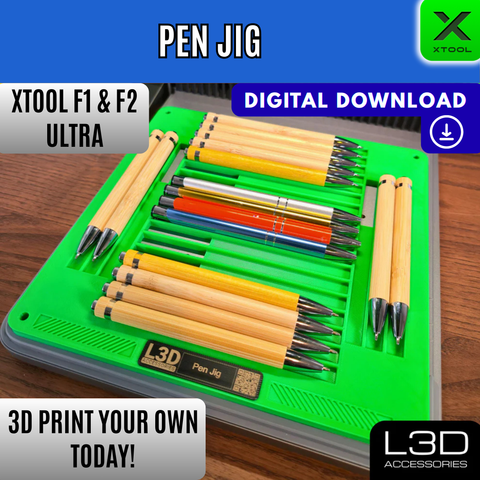
Pen Engraving Jig STL for xTool F1 Ultra, F2 Ultra & F2 Ultra UV
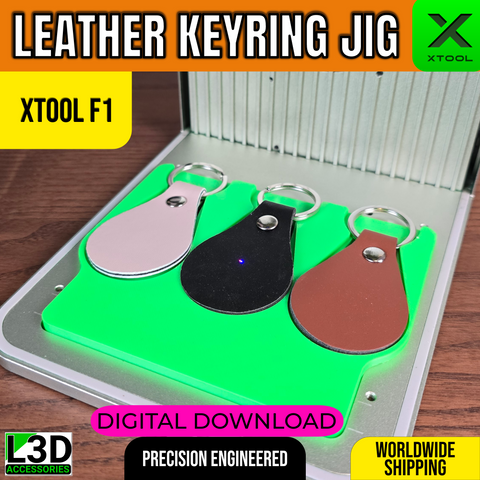
PU Leather Keychain Jig STL for xTool F1, F1 Lite & F2
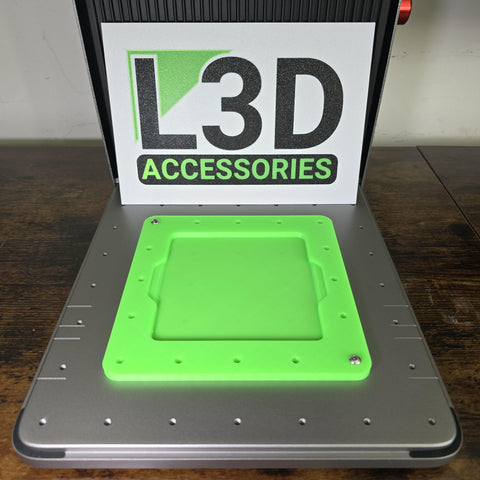
F1 & F2 to Ultra Adapter Jig STL
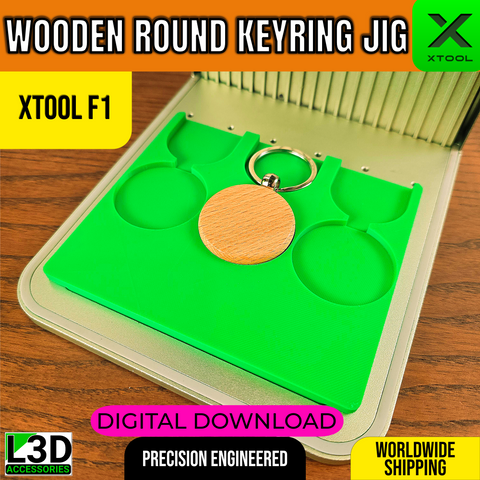
Round Wooden Keychain Jig STL for xTool F1, F1 Lite & F2
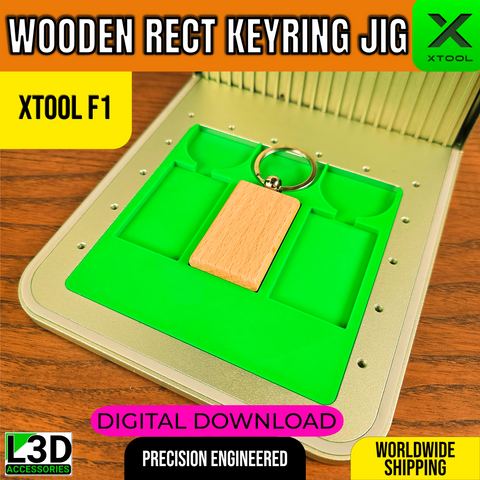
Rectangle Wooden Keychain Jig STL for xTool F1, F1 Lite & F2
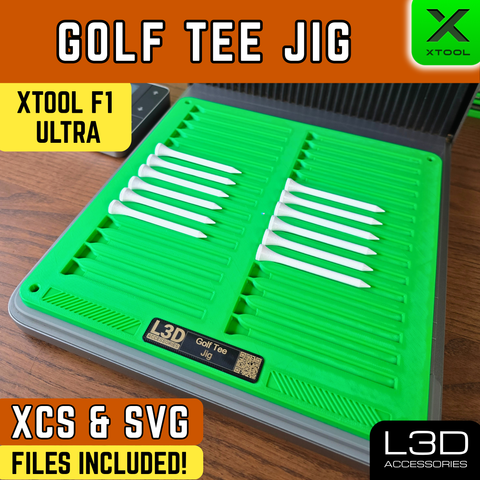
Golf Tee Jig STL for xTool F1 Ultra, F2 Ultra & F2 Ultra UV
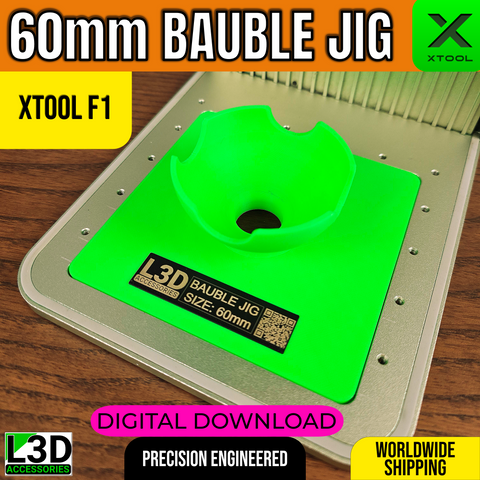
60mm Bauble Jig STL for xTool F1, F1 Lite & F2
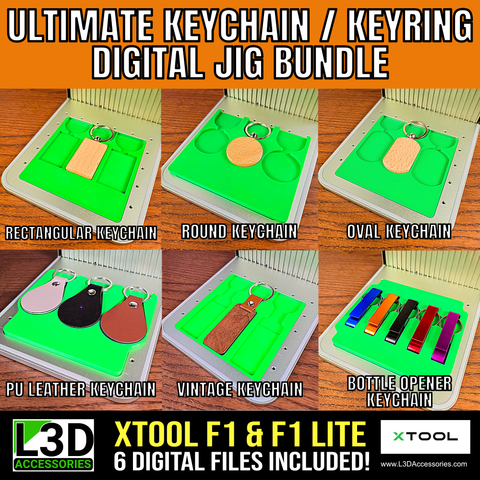
Keychain & Keyring Jig Bundle STL for xTool F1, F1 Lite & F2
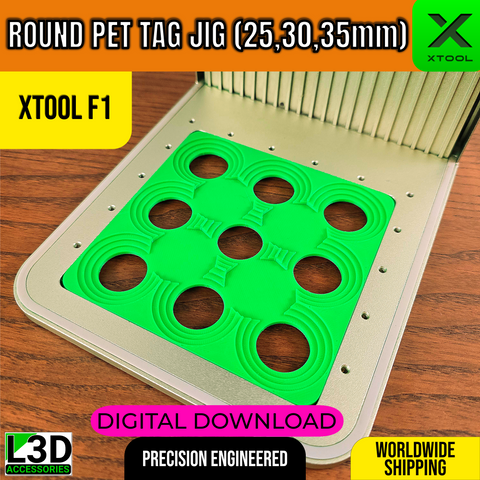
Round Pet Tag Jig STL for xTool F1, F1 Lite & F2
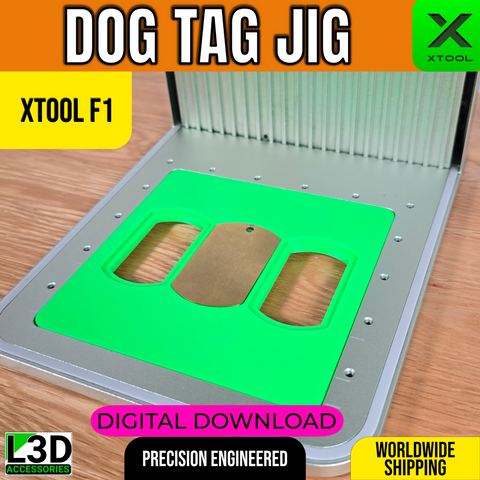
Metal Dog Tag Jig STL for xTool F1, F1 Lite & F2
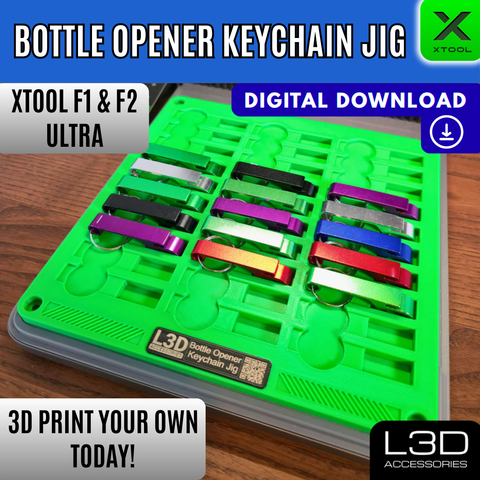
30-Slot Bottle Opener Keychain Jig STL for xTool F1 Ultra, F2 Ultra & F2 Ultra UV
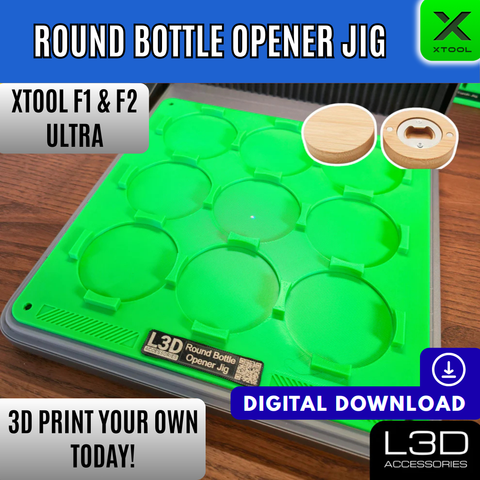
Round Bamboo Bottle Opener Jig STL for xTool F1 Ultra, F2 Ultra & F2 Ultra UV
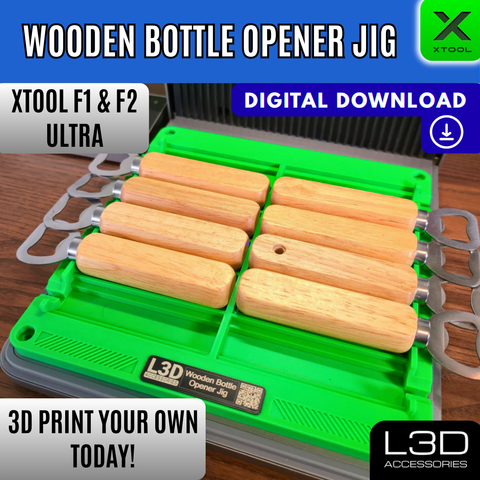
Wooden Bottle Opener Jig STL for xTool F1 Ultra, F2 Ultra & F2 Ultra UV
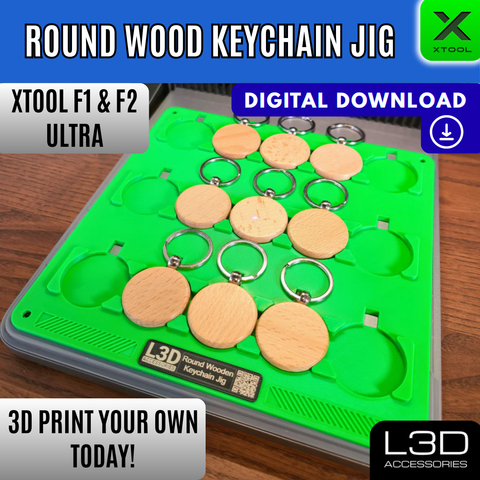
Round Wooden Keychain Jig STL for xTool F1 Ultra, F2 Ultra & F2 Ultra UV
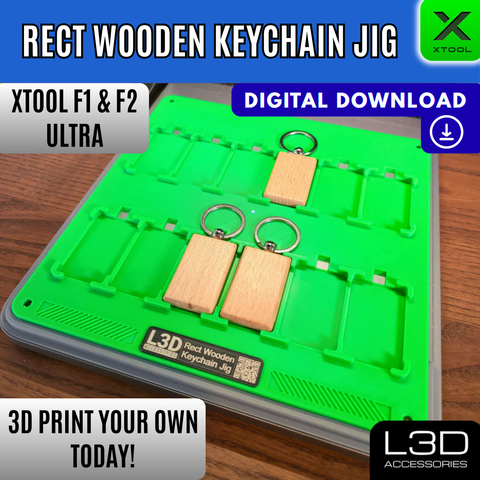
Rectangular Wooden Keychain Jig STL for xTool F1 Ultra, F2 Ultra & F2 Ultra UV
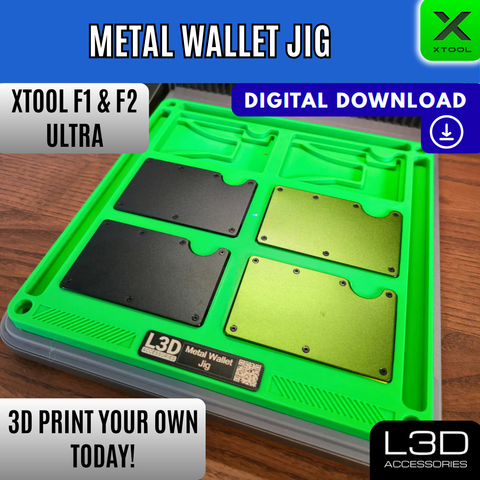
Metal RFID Wallet Jig STL for xTool F1 Ultra, F2 Ultra & F2 Ultra UV
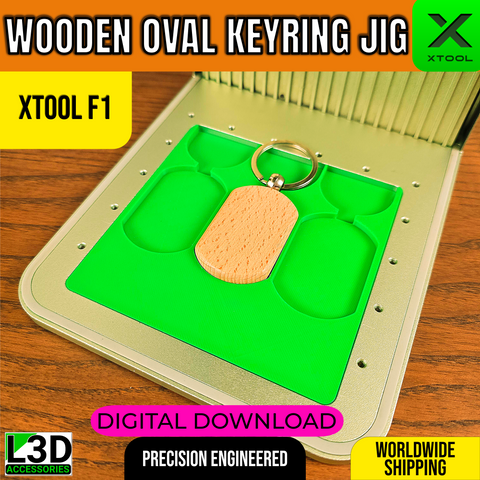
Oval Wooden Keychain Jig STL for xTool F1, F1 Lite & F2
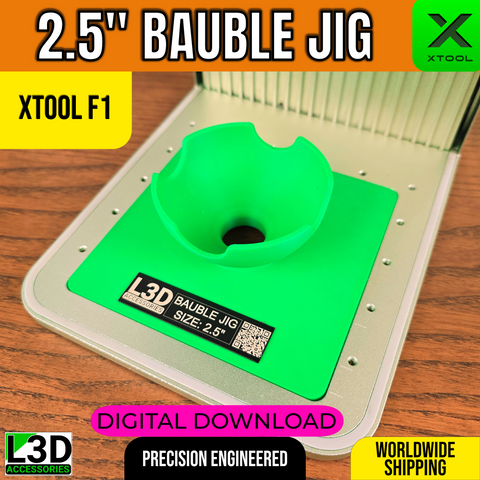
2.5-Inch Bauble Jig STL for xTool F1, F1 Lite & F2
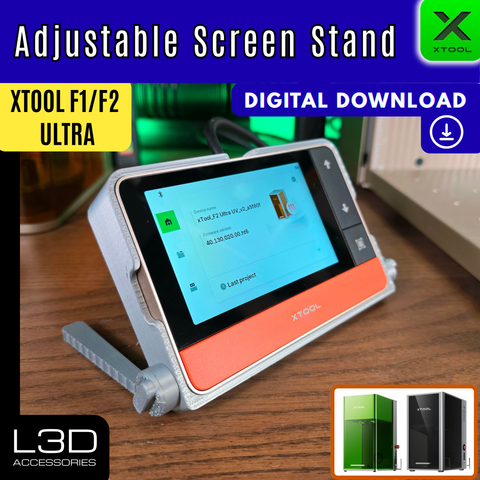
Adjustable Screen Stand STL File for xTool Touchscreen (F1 Ultra, F2 Ultra, F2) – Digital Download
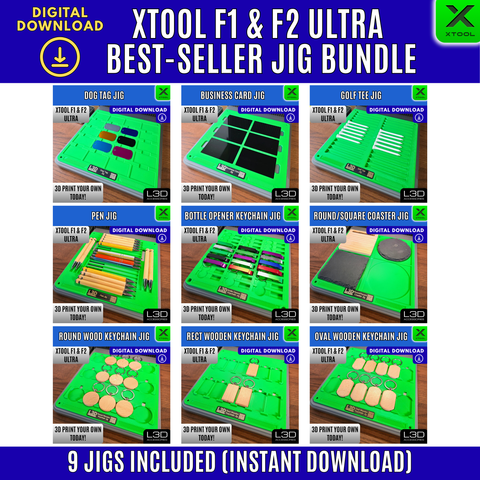
Best-Seller 9 Jig Bundle STL for xTool F1 Ultra, F2 Ultra & F2 Ultra UV
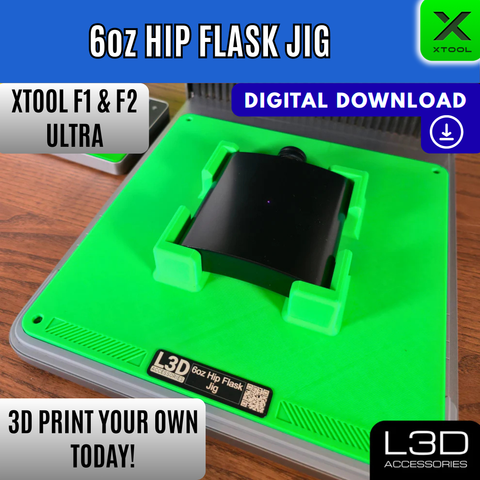
6oz Hip Flask Jig STL for xTool F1 Ultra, F2 Ultra & F2 Ultra UV
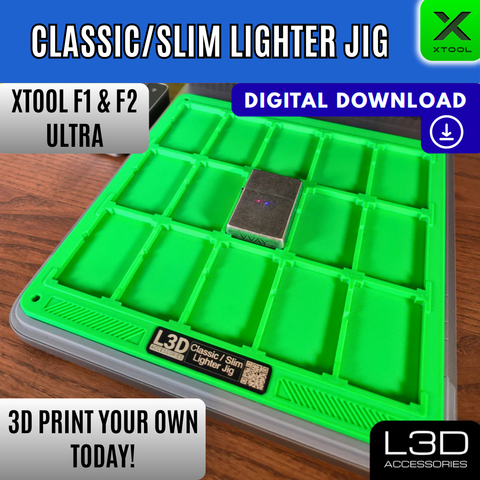
Lighter Jig STL for xTool F1 Ultra, F2 Ultra & F2 Ultra UV
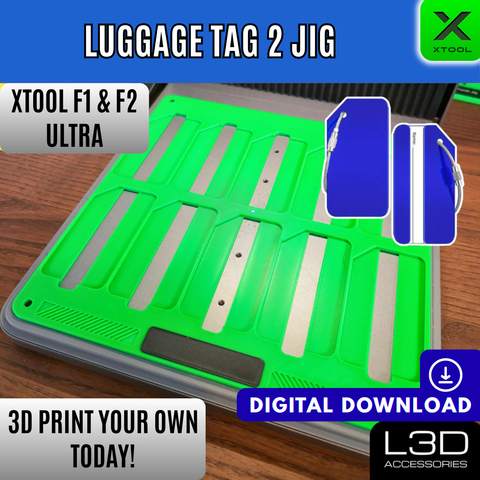
Luggage Tag 2 Jig STL for xTool F1 Ultra, F2 Ultra & F2 Ultra UV
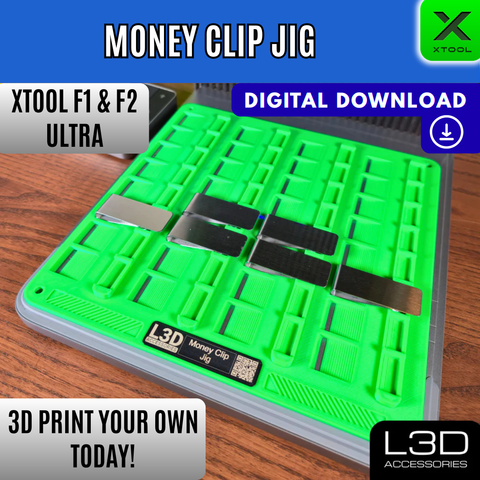
Money Clip Jig STL for xTool F1 Ultra, F2 Ultra & F2 Ultra UV
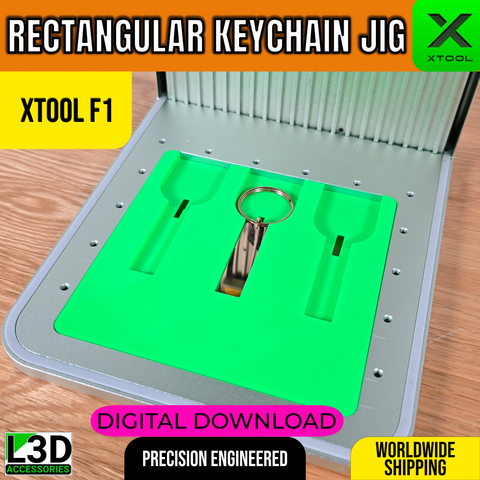
Stainless Steel Keychain Bar Jig STL for xTool F1, F1 Lite & F2
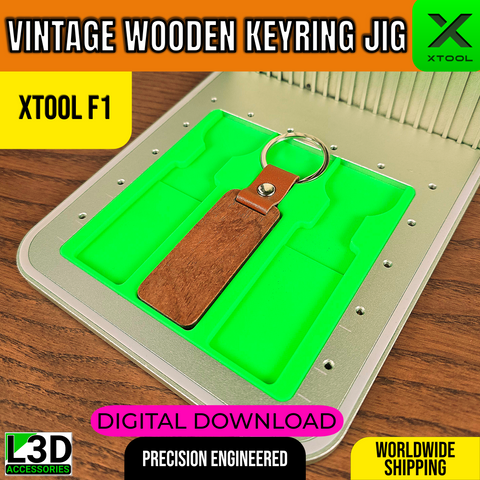
Wooden Keyring Jig STL for xTool F1, F1 Lite & F2
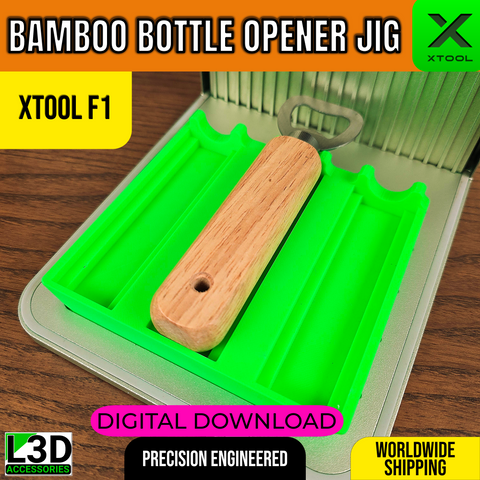
Bamboo Bottle Opener Jig STL for xTool F1, F1 Lite & F2
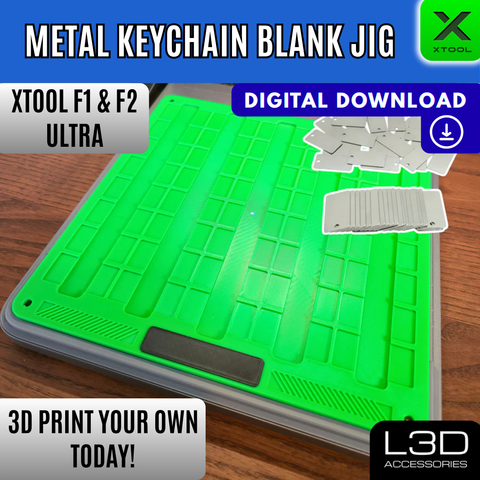
Metal Keychain Blank Jig STL for xTool F1 Ultra, F2 Ultra & F2 Ultra UV
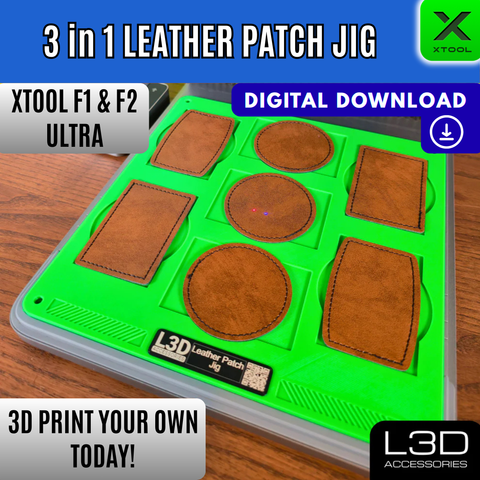
Leather Patch Jig STL for xTool F1 Ultra, F2 Ultra & F2 Ultra UV
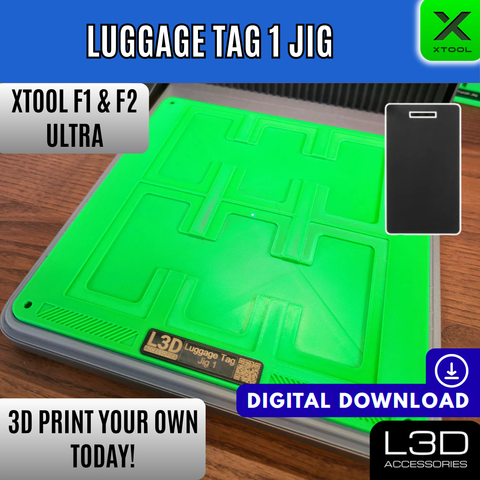
Luggage Tag 1 Jig STL for xTool F1 Ultra, F2 Ultra & F2 Ultra UV
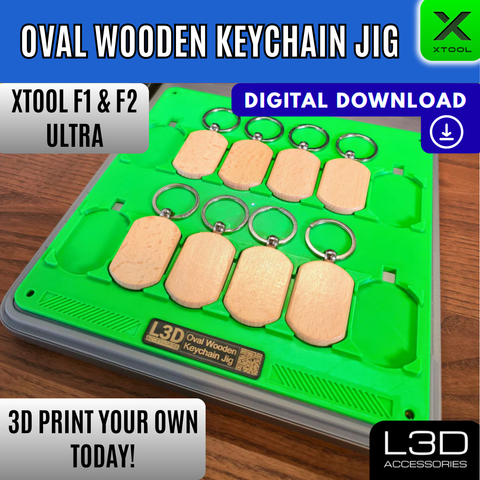
Oval Wooden Keychain Jig STL for xTool F1 Ultra, F2 Ultra & F2 Ultra UV
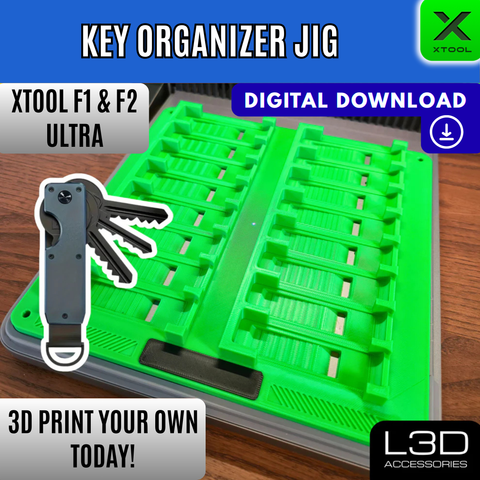
Key Organizer Jig STL for xTool F1 Ultra, F2 Ultra & F2 Ultra UV
Watch & Learn
Tutorials for Your xTool F1 Ultra, F2 Ultra & F2 Ultra UV
Watch Chris demonstrate jigs, settings, and techniques built around your machine.
Tutorial video (add your YouTube video ID in the theme editor)
Laser Settings
Laser Settings: xTool F1 Ultra, F2 Ultra & F2 Ultra UV
Starting-point settings tested by Chris on real materials. Always run a test pass on scrap first, as results vary between material batches, sources, and machine calibration.
| Material | Machine | Mode | Power | Speed (mm/s) | Passes | Lines/mm | Notes |
|---|---|---|---|---|---|---|---|
| Stainless Steel | F1 Ultra | Engrave | 80% | 100 | 1 | 254 | Works well on tumbler surfaces |
| Anodised Aluminium | F1 Ultra | Engrave | 55% | 150 | 1 | 254 | Test on scrap first, colours vary by batch |
| Bamboo | F1 Ultra | Engrave | 60% | 200 | 1 | 254 | Deep clean burn |
| Slate | F1 Ultra | Engrave | 90% | 80 | 1 | 254 | Slow pass gives crisp white contrast |
Important: These settings are a starting point only. Material quality, batch variation, and machine calibration all affect results. L3D Accessories accepts no responsibility for damage to materials or machines. Always test on scrap first.
FAQ
Frequently Asked Questions: xTool F1 Ultra, F2 Ultra & F2 Ultra UV
No. The F1 Ultra and F2 Ultra have different internal dimensions to the standard F1 and F2. Products on this page are designed specifically for the Ultra models. If you have a standard F1 or F2, please visit the F1 & F2 jigs collection.
Most jigs use M4×0.7 screws, which are not included. The exact length varies by product, so check each individual product description for the spec.
Physical jigs are 3D printed in green PLA. If you are printing the STL files yourself, we recommend PETG, which handles heat better than PLA over prolonged use.
Physical products are dispatched within 1 to 3 working days. Digital downloads are delivered instantly to your email and order account.
Please contact us via live chat or the contact page. We will diagnose the issue and make it right.
Stay in the loop
New jigs, tutorials & updates from Chris
I release new jigs and free tutorials regularly. Drop your email and I'll let you know when something new lands.
No spam. Unsubscribe any time.
Recommended by Chris
Thinking of buying one of these machines?
Every purchase through my affiliate links supports L3D Accessories at no extra cost to you, and you'll get an exclusive discount at checkout.
xTool F1 Ultra
Dual-laser (fibre + diode) compact engraver. Outstanding metal engraving, fast speeds, and a genuinely portable form factor.
The F1 Ultra is my go-to for metal. The fibre laser is outstanding and the compact size makes it perfect for shows and events.
Affiliate disclosure. I earn a small commission at no extra cost to you.
xTool F2 Ultra
Larger work area, dual-laser power, with UV and IR options. Ideal for high-volume production and a wider range of materials.
If you need a bigger work area or plan to run production volume, the F2 Ultra is the next step up.
Affiliate disclosure. I earn a small commission at no extra cost to you.
Use discount code
L3D80at checkout on the xTool website for an exclusive discount