M2
Infrared
Slate Coaster
Engrave
84%
Power
107
Speed mm/s
160
LPC
1
Pass
Photos. Bi-directional, min output power 3%. Rock Stone material preset, then Auto Adjust in the image editor to invert and optimise the photo.
★ 4.9 · 330+ Etsy reviews FREE UK delivery over £20
L3D Laser Library › M2
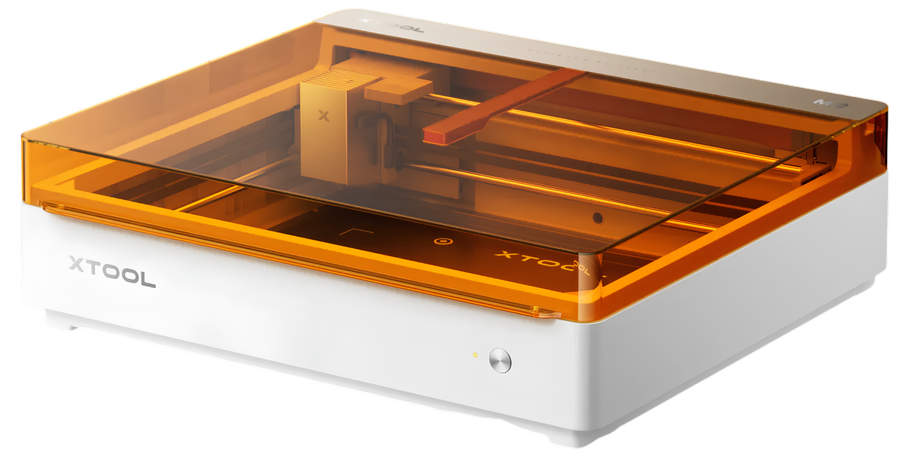
Tested L3D settings for the xTool M2, starting with photo engraving on slate using the 3W infrared module. Every setting here was run on a real M2 in the L3D workshop, and new materials are added with each episode of the M2 series on the L3D YouTube channel.
Before you burn
Engrave
Photos. Bi-directional, min output power 3%. Rock Stone material preset, then Auto Adjust in the image editor to invert and optimise the photo.
Engrave
Text and vector fills. Bi-directional, min output power 5%. Rock Stone material preset in xTool Studio.
More M2 materials are on the way. In the meantime, search the whole library.
Enjoying the free settings?
If they saved you time and material, buying your next xTool bits through my link is the best way to say thanks. Code L3D80 saves you money too.
Affiliate link. I earn a small commission at no extra cost to you.